 Dishbill
Point at a menu. See what fits.
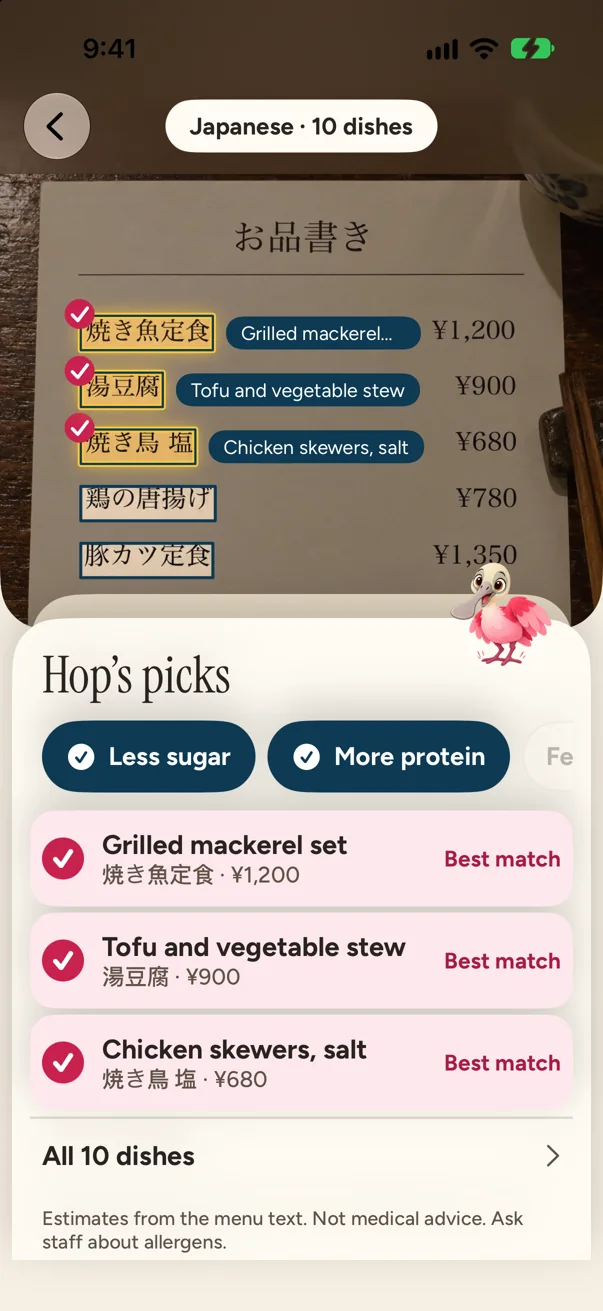
Photograph any menu in a restaurant and the dishes that fit your goal light up on the photo, with names in your language.


The answer sits on the menu
Take a photo at the table. Hop reads every line, then the dishes that fit stay lit on your own photo. Not a list to scroll, the menu in front of you.
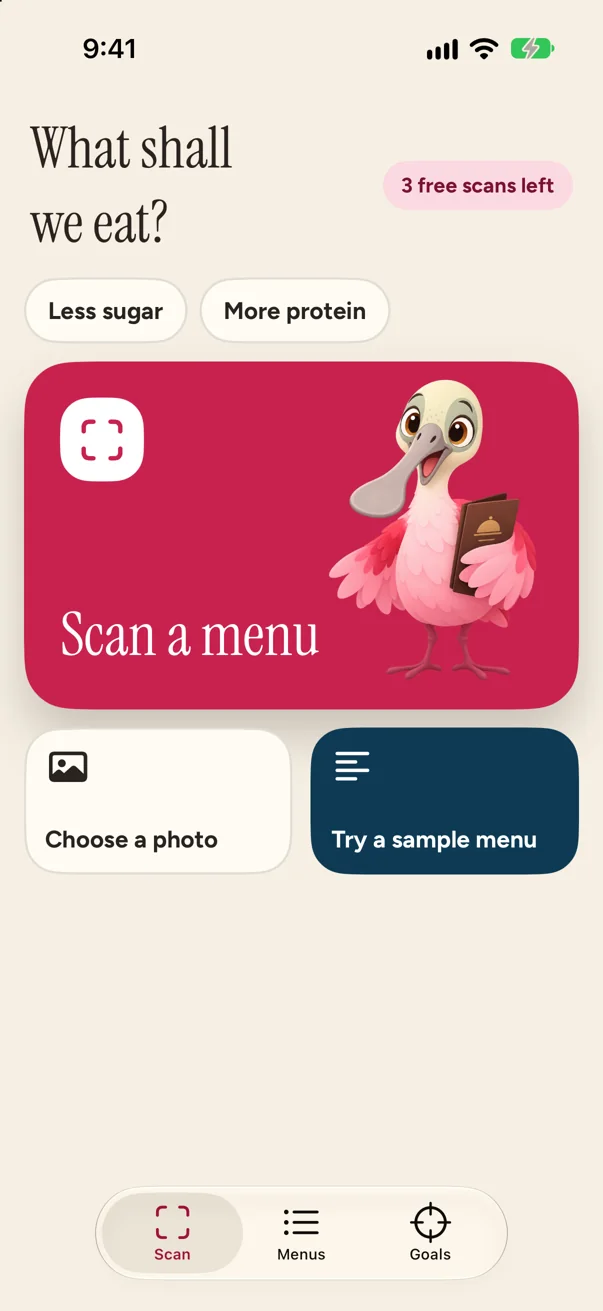
Pick up to 2 goals
Change them any time and the menu is ranked again at once.
Show the waiter
One tap puts the dish's printed name on the full screen, large enough to hold up, with a simple request in the menu's language.
It says when it is not sure
A dish Hop can't place gets no levels, only “Ask staff”. Levels are Low, Medium and High, always labeled as estimates.
Dishbill gives no calories and no grams, because a photo of a menu can't know them.
Scan past your 3 free menus
Dishbill Pro lets you scan past your 3 free menus, up to 30 readings a day. Saved menus always stay free.
Estimates from the menu text. Not medical advice. Ask staff about allergens.
© 2026 Huynh Xuan Sang